

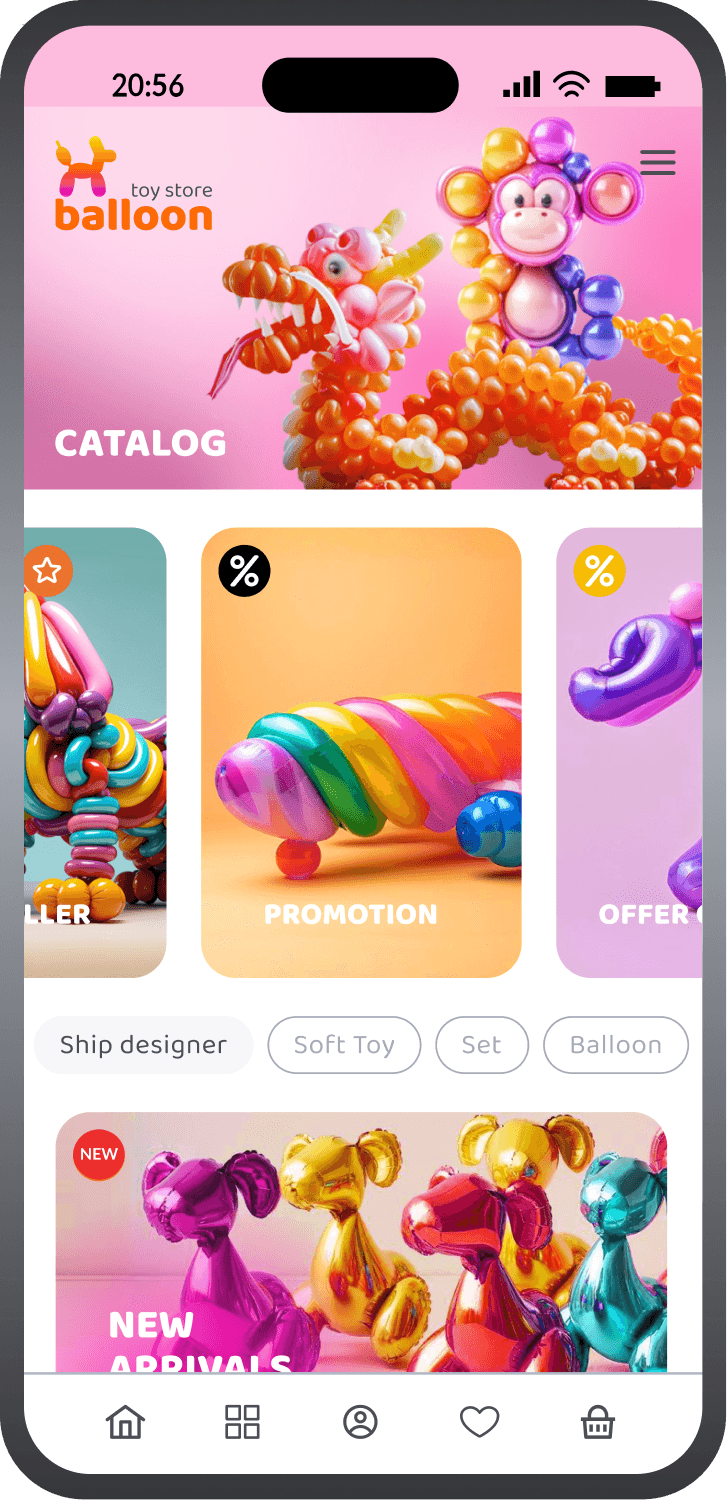
Frontend demo for
E-commerce
Manage your digital product with OneEntry using SwiftUI
Manage easily with
OneEntry Platform

Customizable design

Flexible functionality

Centralized data and business logic
Installation
Clone the project

Register on the website: oneentry.cloud

Create a project
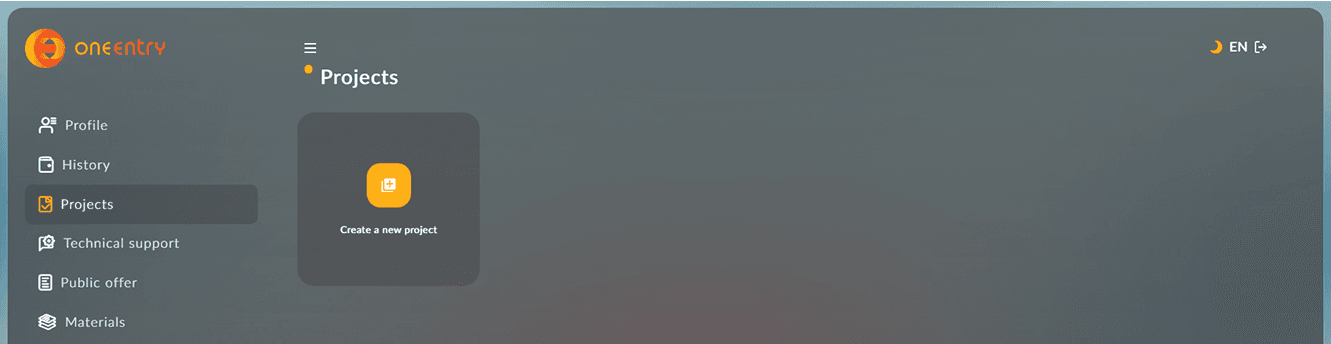
Create and add a Configuration.xcconfig file,
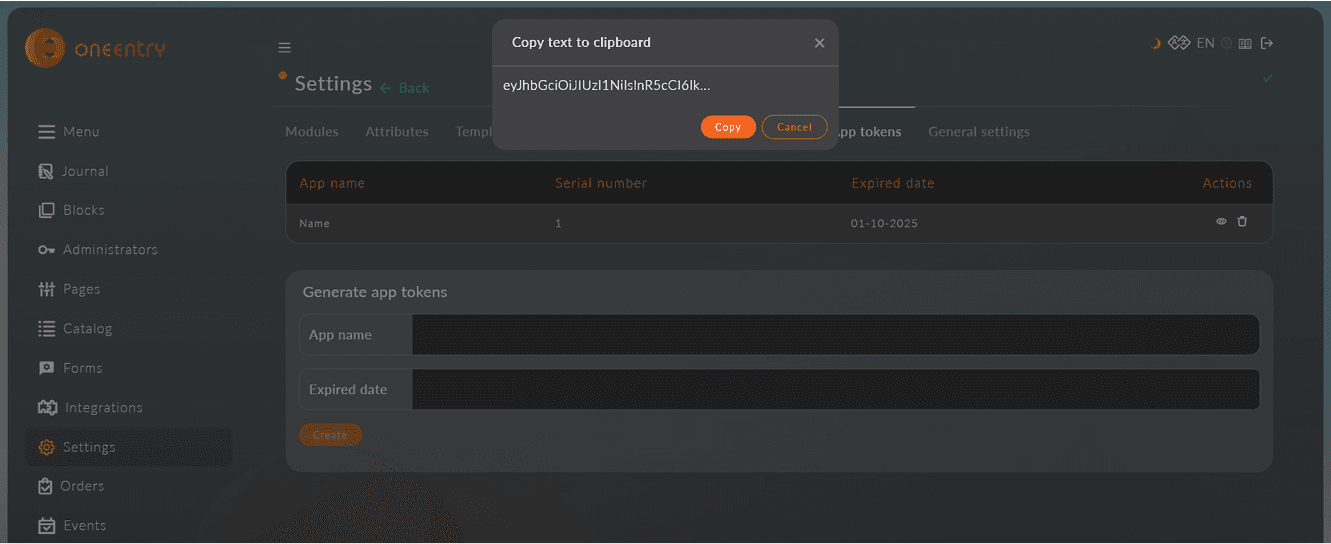
then specify the following variables in it: ONEENTRY_DOMAIN: https://name_your_project.oneentry.cloud
ONEENTRY_API_KEY: ...
RECAPTCHA_KEY: ...
The token is created in your project: Settings - App tokens
Run the build in Xcode with the combination CMD+R
Download, set up, and use!
Functionality
Screensaver

Authorization
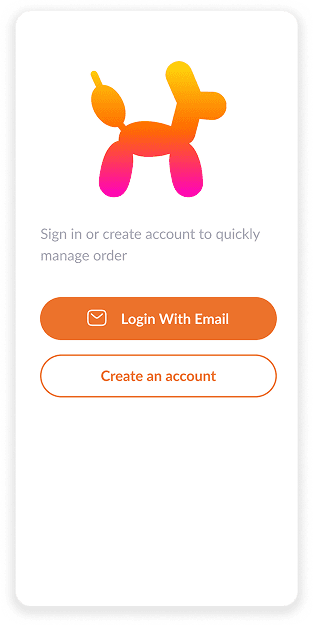
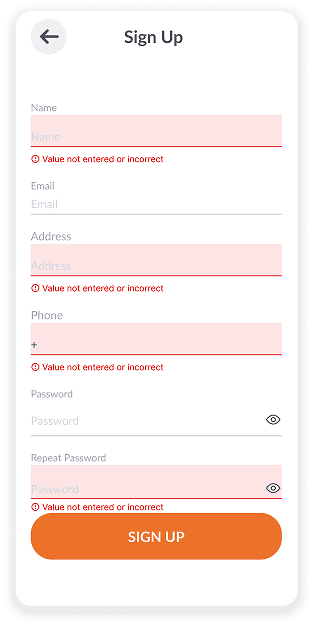
Sign up
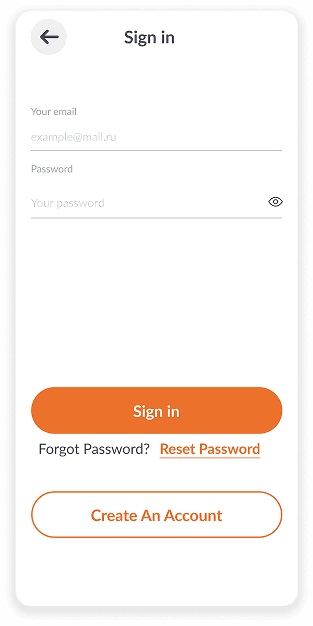
Sign in
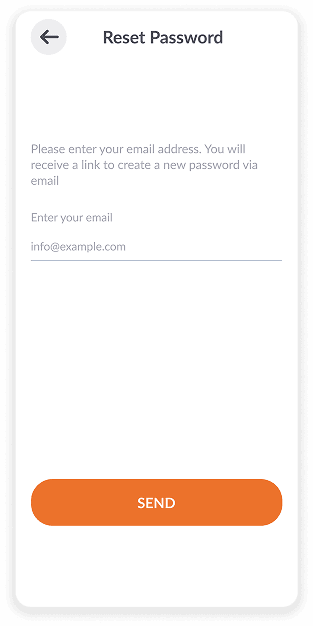
Recover password
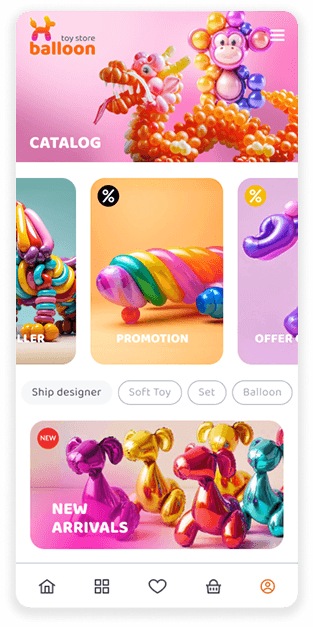
Home page
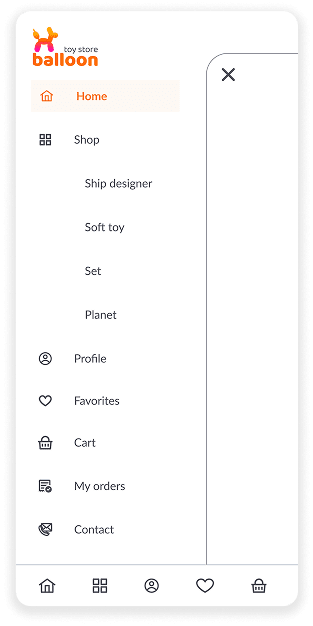
Menu
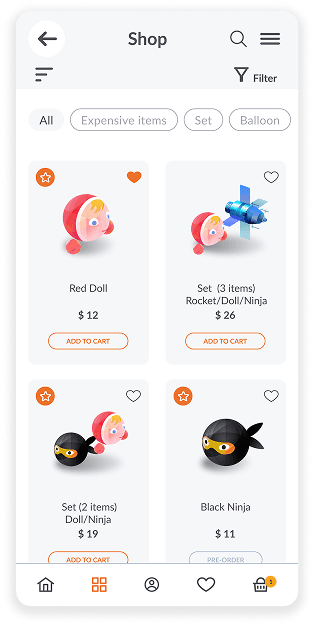
Product catalog
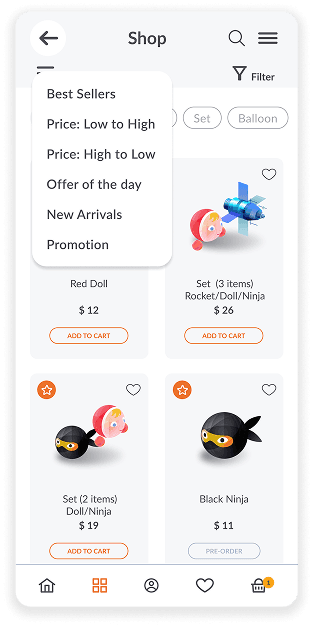
Product rating
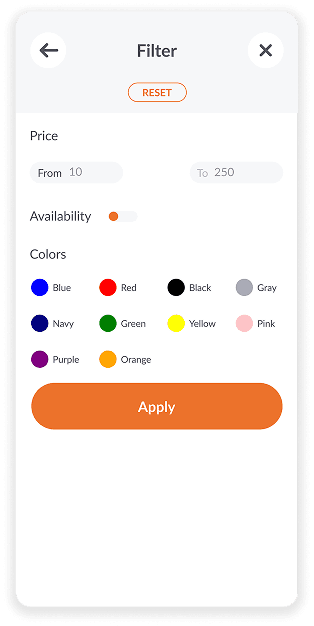
Product filter
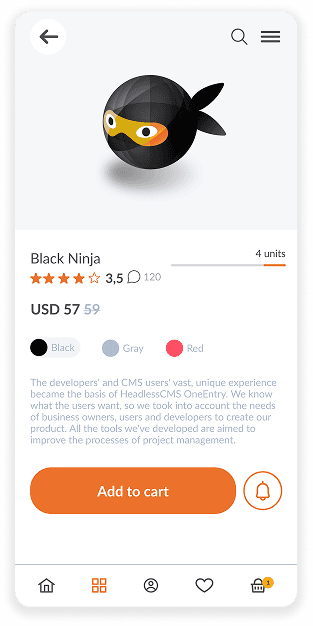
Product card
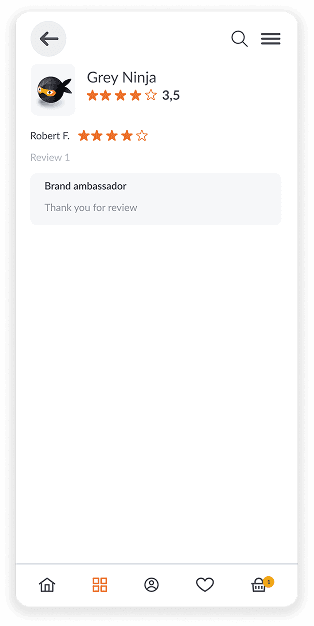
Reviews
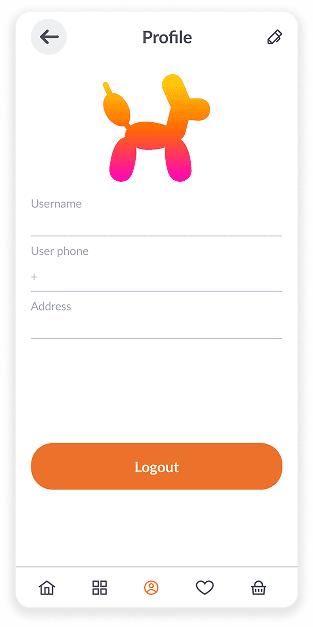
Profile
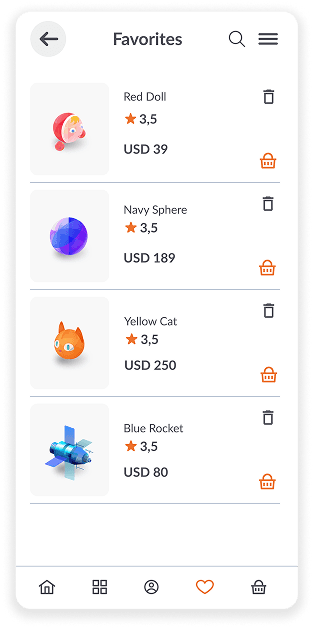
Favorite products
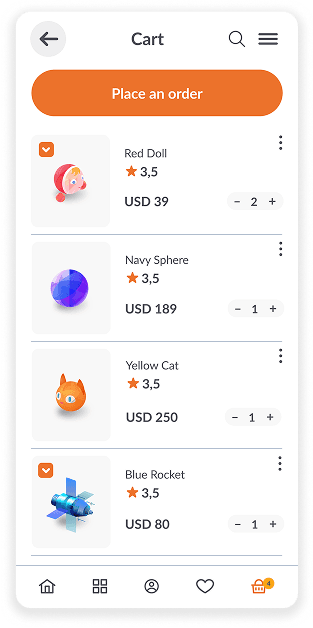
Cart
Checkout
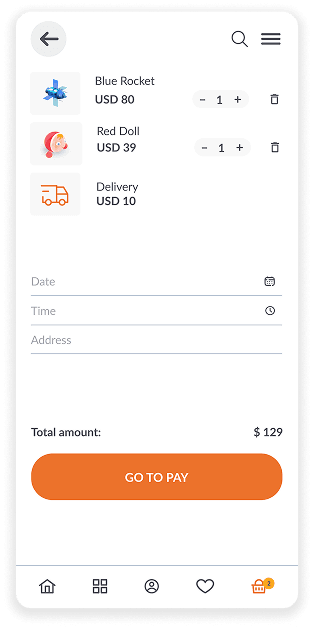
Empty cart
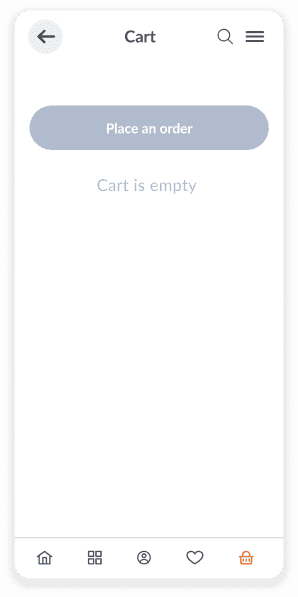
Delivery day

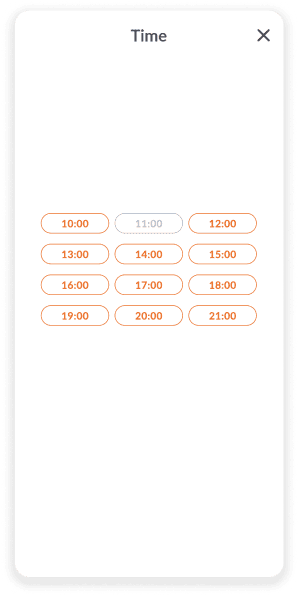
Delivery time
Payment method
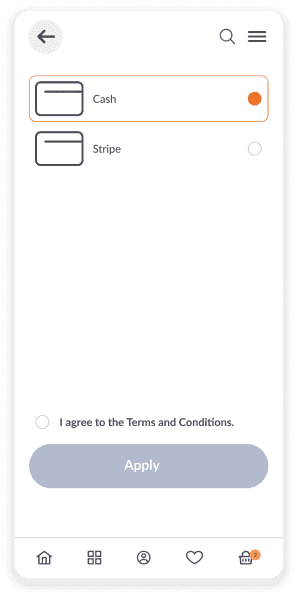
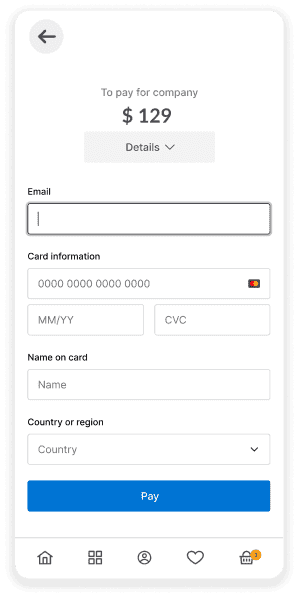
Payment
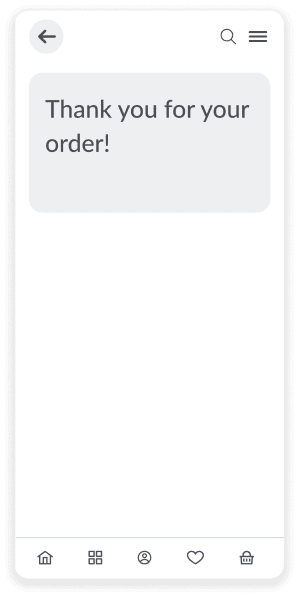
Order placed
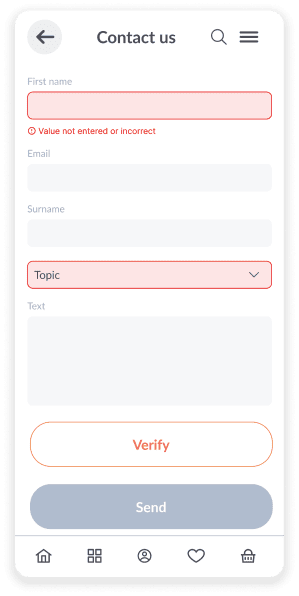
Feedback form
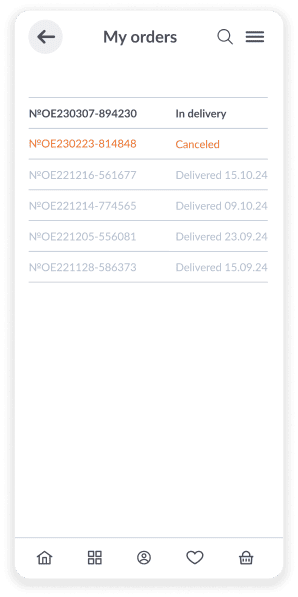
Order list
Use Cases

Electronics and Gadgets
Smartphones, laptops, home appliances, and accessories

Clothing and Accessories
Apparel, accessories, and fashion items

Beauty and Personal Care
Cosmetics, skincare products, dietary supplements, fitness items

Children's products
Toys, children's clothing, newborn products, educational materials

Sports & Outdoors
Sportswear, equipment, accessories for various types of sports

Hobbies & Leisure
Books, musical instruments, board games, creative supplies

Auto & Accessories
Car accessories, spare parts, car care products

Digital content
E-books, courses, educational videos, music, photographs, games

Food & Grocery
Vegetables, fruits, beverages

Pet Products
Animal feed, accessories, toys, grooming products

Home & Garden
Furniture, decor, garden tools

Appliances and furniture
Household appliances, furniture
Online Shop

NextJS

React Native

Kotlin